
Your MacBook,
warmer than your boyfriend's hands.
Warm Kitty quietly runs your Mac at full tilt so the body heats up, and you warm your hands on it. On screen, a chubby ginger cat gets cozier the whole time.
Free · macOS 13+ · Apple Silicon · open source








This is the whole thing.
One window: a timer you set, a button that warms, and a chubby ginger cat keeping you company. Nothing to configure, nothing to learn.
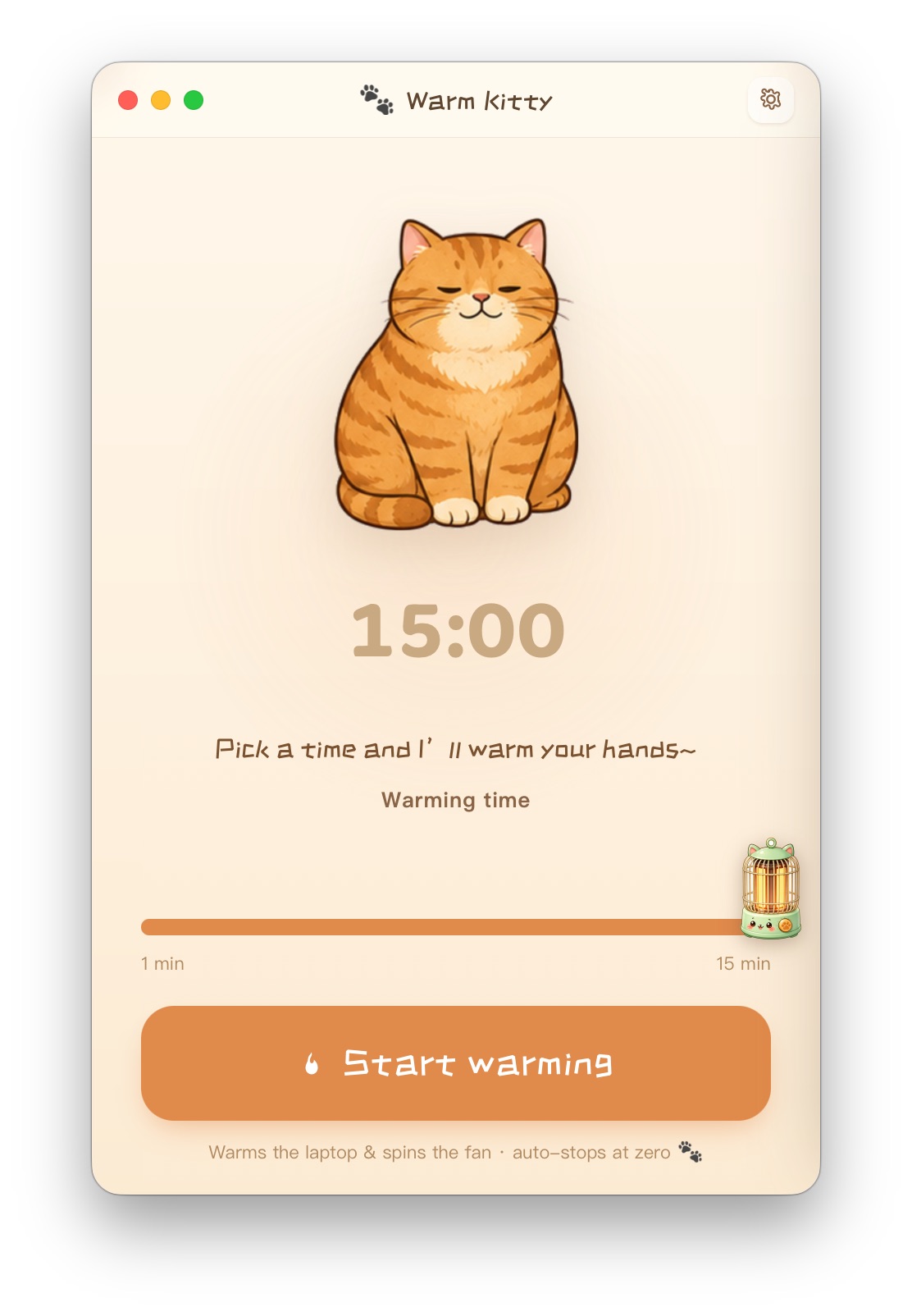
Pick a time. Warm up. Done.
Pick how long
Drag the slider anywhere from 1 to 15 minutes. Five is the cozy default.
Start warming
One button. The Mac runs hot and the body gets toasty under your hands.
All warm!
The timer hits zero, heating stops on its own, and the cat gives a happy little wave.
Small, warm, and honest about it.
A cat that warms with you
Sixteen hand-drawn poses of one chubby ginger tabby, slowly cross-fading the entire time. Pure company.
One warm button
No modes, no intensity dials. Open it, pick a time, warm up. That's the whole app.
A timer you control
Anywhere from 1 to 15 minutes. It stops exactly when you said it would, not when a sensor guesses.
Works on every Mac
No temperature sensors, no per-chip calibration. M-series, Intel, fans or no fans, it just runs.
Stops on its own
When the time is up, heating quits. macOS keeps the chip from ever cooking itself.
Native and light
Built in Swift for macOS, in four languages, no account, no tracking. Just a warm little window.
Yes, it really just runs your Mac hot.
There's no secret heater inside. Warm Kitty keeps the chip busy so the body warms up, the same trick people do by hand. macOS won't let it overheat, it stops the moment your timer ends, and quitting the app stops it instantly. It uses battery and the fans may spin up. That's the deal, and we think it's a cozy one.
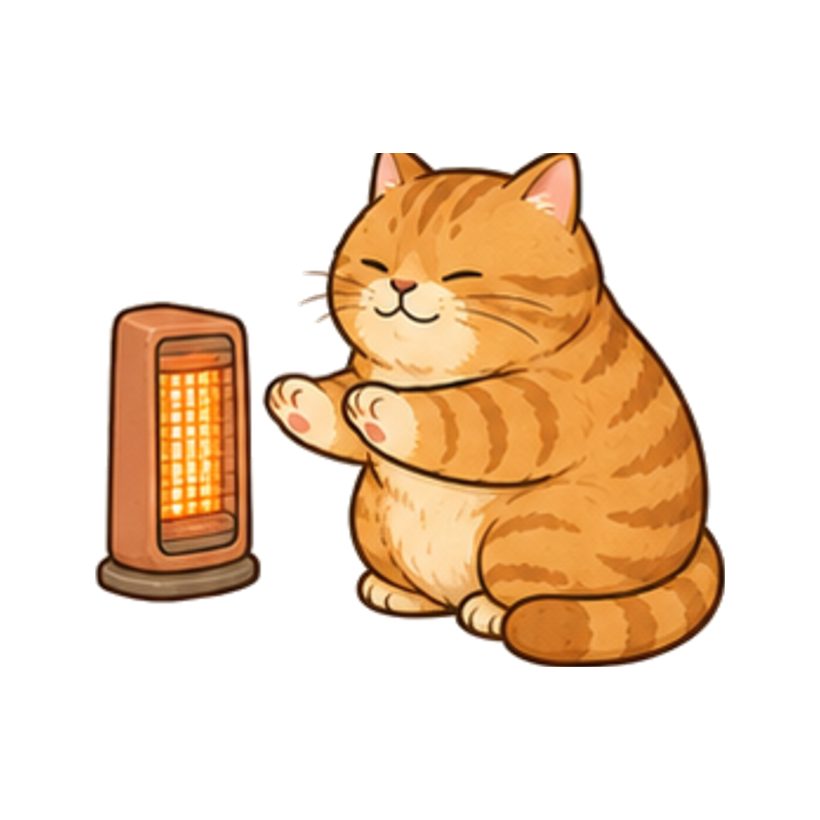
Sixteen ways to be cozy.
The same chubby ginger cat, drawn in every comfortable pose we could think of. This is the loop you'll watch while your hands thaw.







Before you download.
Will this damage my Mac?
No. macOS has built-in thermal limits that throttle the chip long before anything is at risk. Warm Kitty just asks the Mac to work hard, the same thing a heavy video export does.
Does it drain the battery?
While it's warming, yes, it uses real power, like any demanding task. It runs only while you tell it to, and stops the second the timer ends or you quit.
Will the fans get loud?
On Macs with fans, they may spin up, that's the heat doing its job. Fanless Macs stay silent and warm up more gently.
Which Macs are supported?
macOS 13 and later, built for Apple Silicon. Because it uses no special sensors, it behaves the same across machines.
Will it actually warm my hands?
Honestly, it depends on the Mac. High-power machines heat up clearly, thin fanless ones get gently warm. We'd rather tell you that than promise a furnace.